-
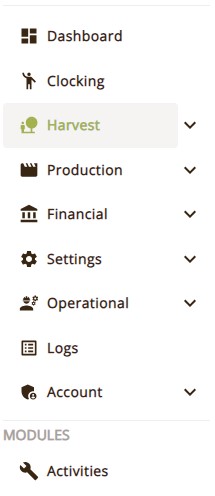
Go to the Harvesting module by clicking on "Harvest" in the sidebar navigation.
-
Select the "Picking achievement" block.
-
Select the Picking instructions you would like the reports for by clicking on the item in the list.
-
Once selected, click on "Generate report" at the top right of the list.
-
Wait for the pdf document(s) to load.
